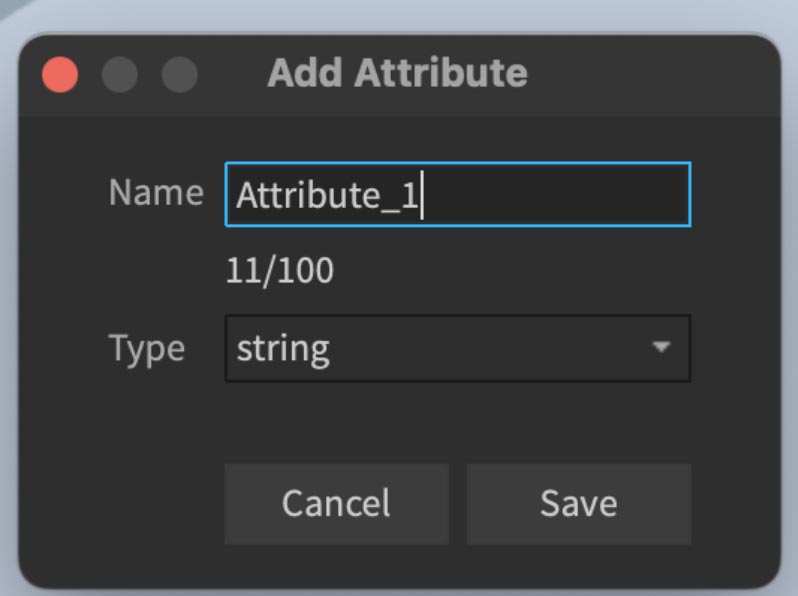
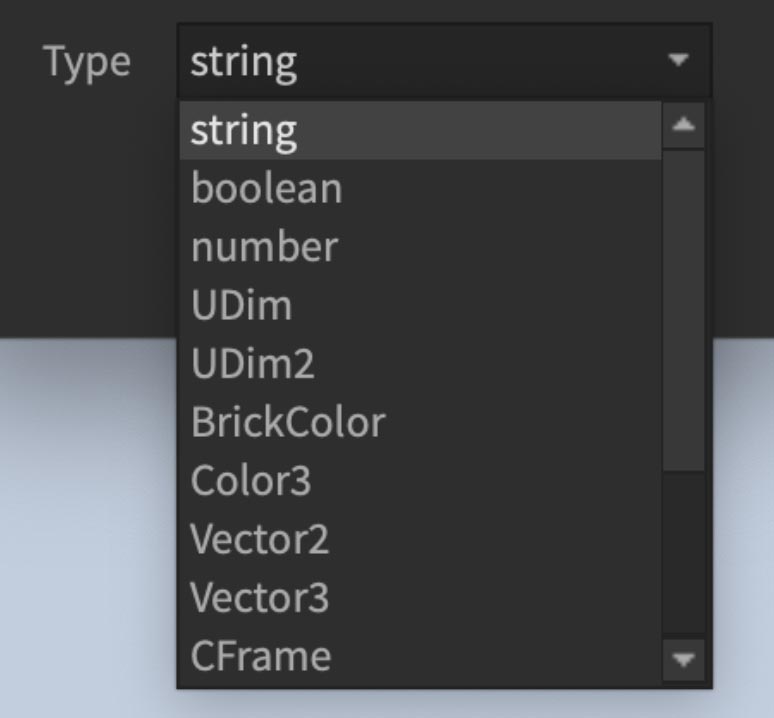

Roblox Studio
Listening Attribute Change Event
local part = script.Parent

local function updateColor()
    local status = part:GetAttribute("Status")
    if status == "Active" then
        part.Color = Color3.fromRGB(0, 255, 0)  -- Green
    elseif status == "Inactive" then
        part.Color = Color3.fromRGB(255, 0, 0)  -- Red
    elseif status == "Maintenance" then
        part.Color = Color3.fromRGB(0, 0, 255)  -- Blue
    else
        part.Color = Color3.fromRGB(255, 255, 255)  -- White
    end
end

updateColor()

part:GetAttributeChangedSignal("Status"):Connect(updateColor)
Setting an Attribute
local part = script.Parent

part:SetAttribute("Status", "Active")
Roblox Studio
