| Components | Details |
|---|---|
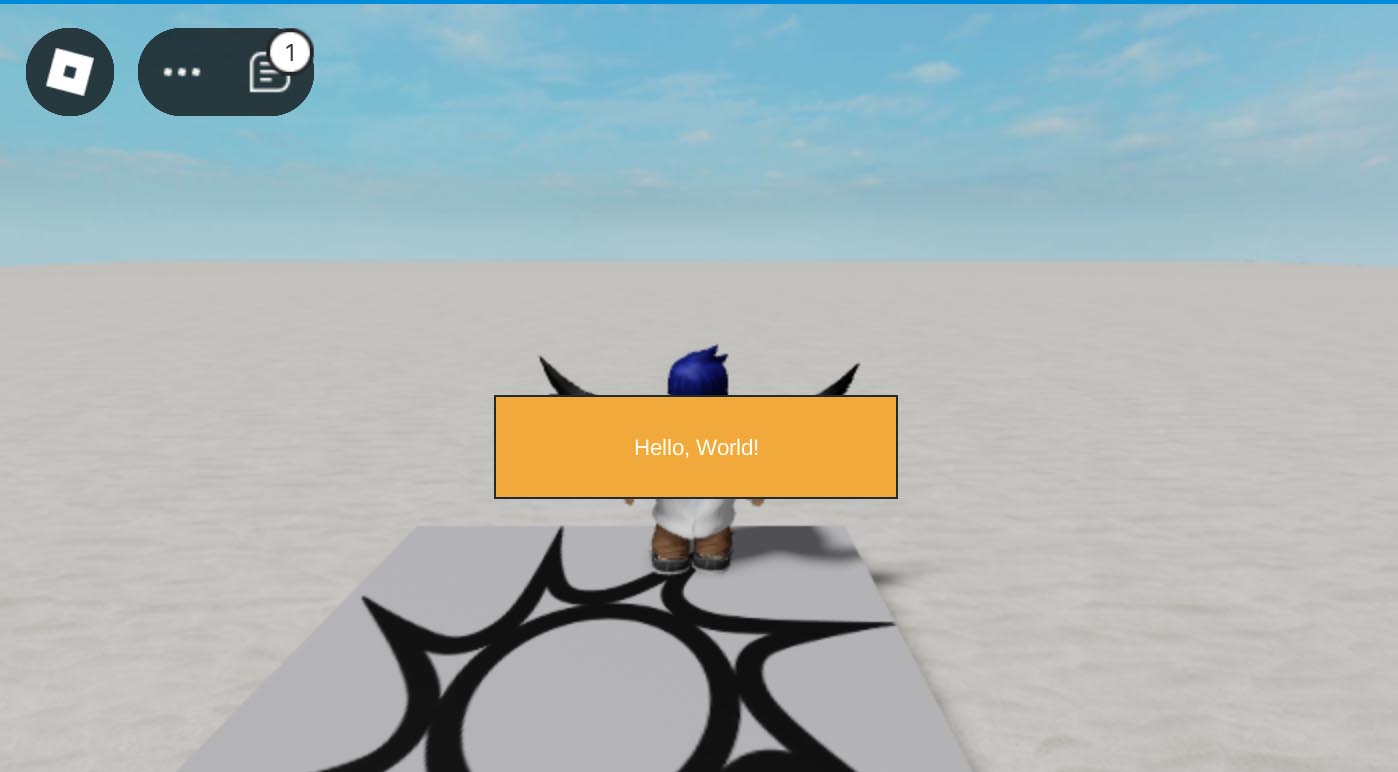
| TextLabel | Displays static text. |
| TextButton | Creates interactive buttons. |
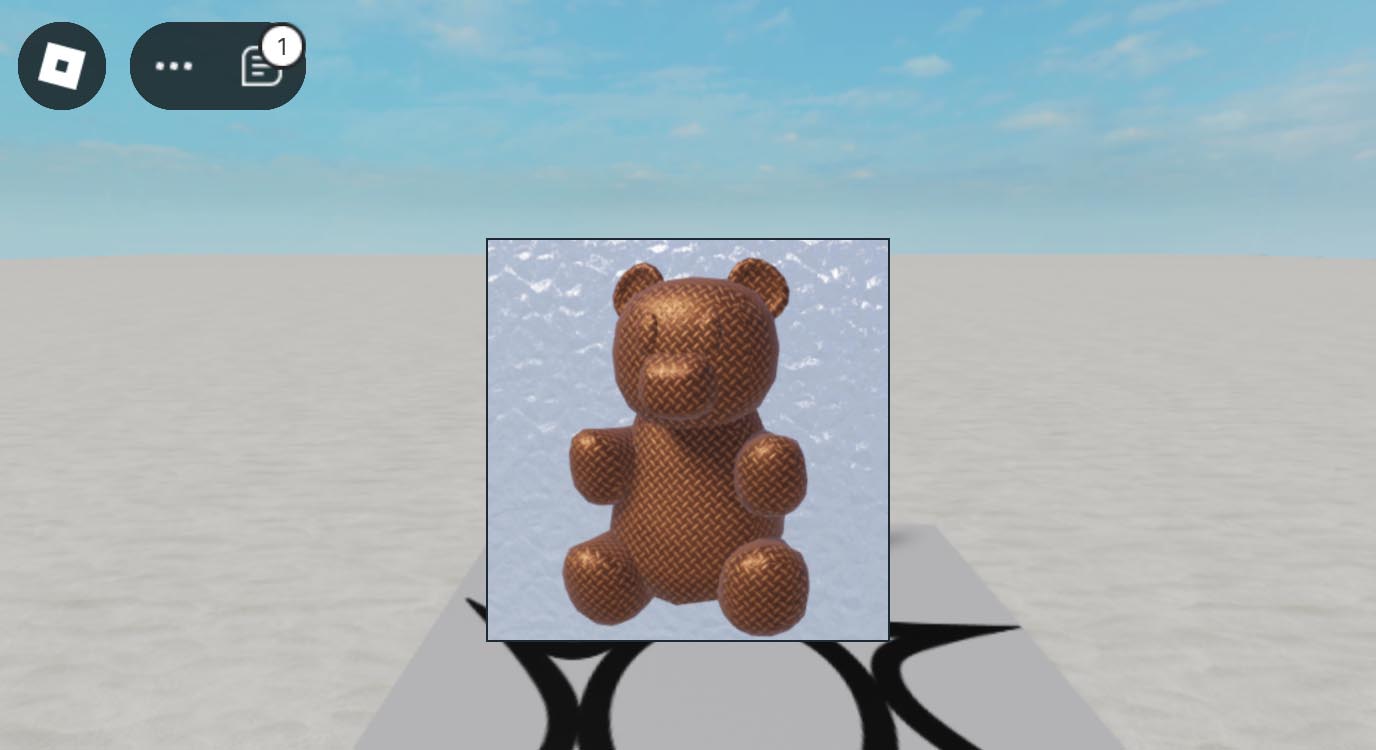
| ImageLabel | Displays images. |
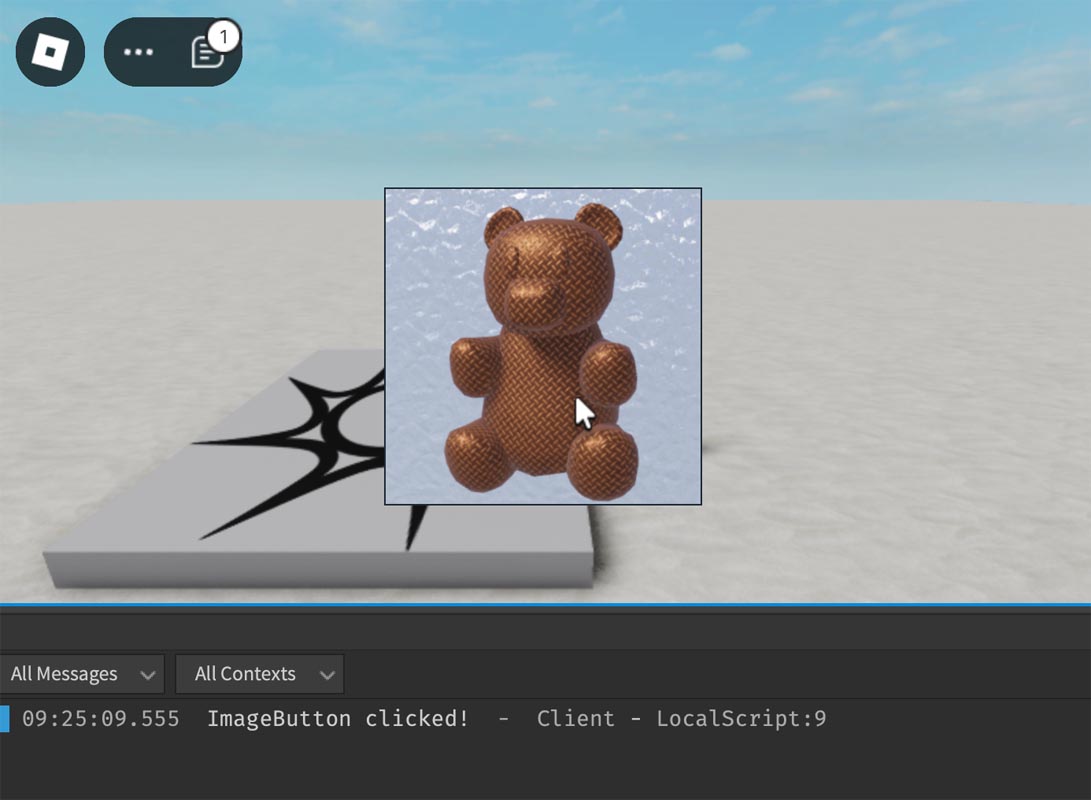
| ImageButton | Displays images and acts as a button. |
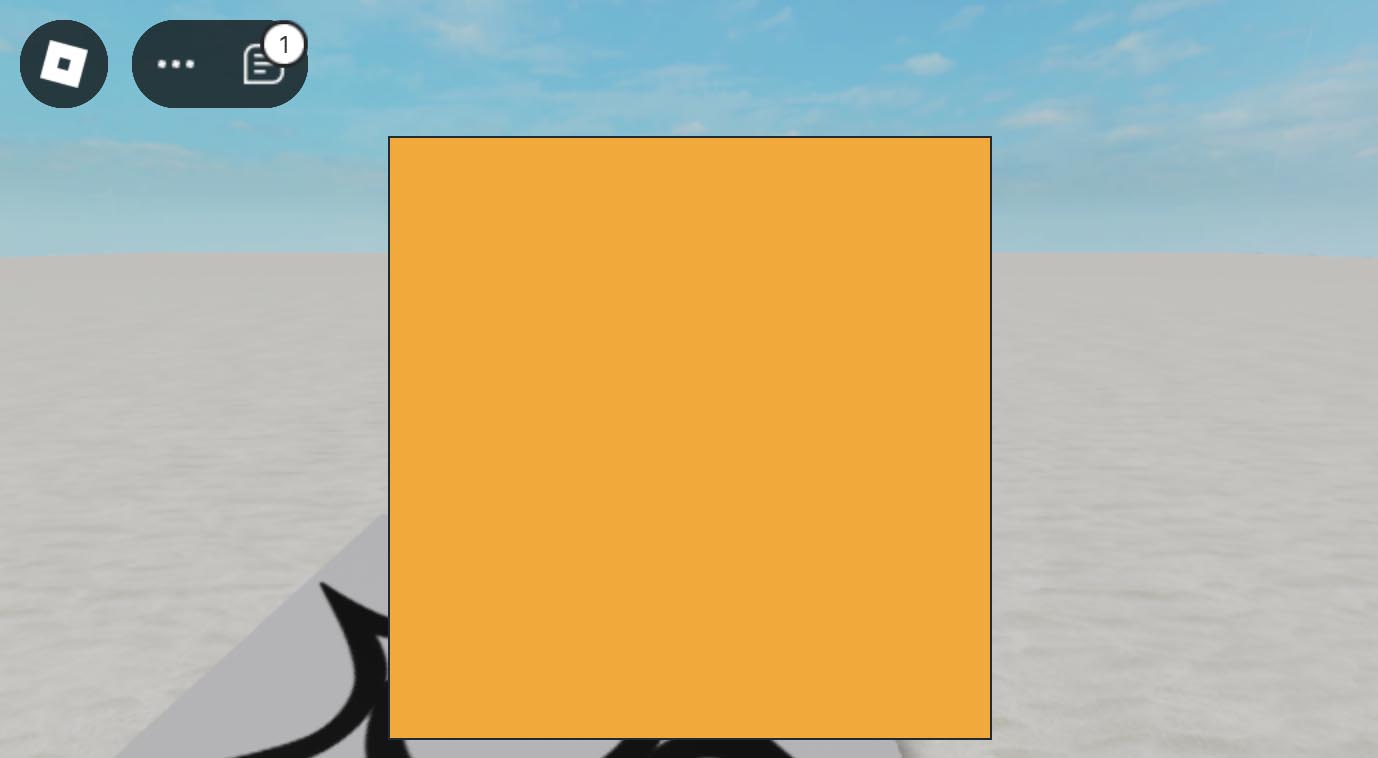
| Frame | Container for grouping other UI elements. |
| ScrollingFrame | Container that supports scrolling for displaying content larger than the visible area. |
| TextBox | Allows user input of text. |
| ViewportFrame | Displays 3D objects in a 2D GUI. |
TextLabel
Roblox Studio
Empty
Empty
Empty
local textLabel = Instance.new("TextLabel")
textLabel.Size = UDim2.new(0, 200, 0, 50) -- Width: 200px, Height: 50px
textLabel.Position = UDim2.new(0.5, -100, 0.5, -25) -- Centered on the screen
textLabel.Text = "Hello, World!"
textLabel.TextColor3 = Color3.fromRGB(255, 255, 255)
textLabel.BackgroundColor3 = Color3.fromRGB(255, 165, 0)
textLabel.Parent = game.Players.LocalPlayer:WaitForChild("PlayerGui"):WaitForChild("ScreenGui")
TextButton

Roblox Studio
Empty
Empty
Empty
local textButton = Instance.new("TextButton")
textButton.Size = UDim2.new(0, 200, 0, 50) -- Width: 200px, Height: 50px
textButton.Position = UDim2.new(0.5, -100, 0.5, 25) -- Centered on the screen
textButton.Text = "Click Me!"
textButton.TextColor3 = Color3.fromRGB(255, 255, 255)
textButton.BackgroundColor3 = Color3.fromRGB(255, 165, 0)
textButton.Parent = game.Players.LocalPlayer:WaitForChild("PlayerGui"):WaitForChild("ScreenGui")

textButton.MouseButton1Click:Connect(function()
	print("Button clicked!")
end)
ImageLabel
Roblox Studio
Empty
Empty
Empty
local imageLabel = Instance.new("ImageLabel")
imageLabel.Size = UDim2.new(0, 200, 0, 200)
imageLabel.Position = UDim2.new(0.5, -100, 0.5, -100)
imageLabel.Image = "rbxassetid://8998222091" -- Replace with your image asset ID
imageLabel.Parent = game.Players.LocalPlayer:WaitForChild("PlayerGui"):WaitForChild("ScreenGui")
Image Upload
https://create.roblox.com/
>Creations
>Development Items
>Decals
>Upload Asset

Roblox Studio
ImageButton
Roblox Studio
Empty
Empty
Empty
local imageButton = Instance.new("ImageButton")
imageButton.Size = UDim2.new(0, 200, 0, 200)
imageButton.Position = UDim2.new(0.5, 0, 0.5, 0)
imageButton.AnchorPoint = Vector2.new(0.5, 0.5) -- Center the button
imageButton.Image = "rbxassetid://8998222091" -- Replace with your image asset ID
imageButton.Parent = game.Players.LocalPlayer:WaitForChild("PlayerGui"):WaitForChild("ScreenGui")

imageButton.MouseButton1Click:Connect(function()
	print("ImageButton clicked!")
end)
Frame
Roblox Studio
Empty
Empty
Empty
local frame = Instance.new("Frame")
frame.Size = UDim2.new(0, 300, 0, 300)
frame.Position = UDim2.new(0.5, -150, 0.5, -150)
frame.BackgroundColor3 = Color3.fromRGB(100, 100, 100)
frame.Parent = game.Players.LocalPlayer:WaitForChild("PlayerGui"):WaitForChild("ScreenGui")
ScrollingFrame

Roblox Studio
Empty
Empty
Empty
local scrollingFrame = Instance.new("ScrollingFrame")
scrollingFrame.Size = UDim2.new(0, 300, 0, 300)
scrollingFrame.Position = UDim2.new(0.5, 0, 0.5, 0)
scrollingFrame.AnchorPoint = Vector2.new(0.5, 0.5)
scrollingFrame.CanvasSize = UDim2.new(0, 300, 0, 600)
scrollingFrame.ScrollBarThickness = 10
scrollingFrame.BackgroundColor3 = Color3.fromRGB(255, 165, 0)
scrollingFrame.Parent = game.Players.LocalPlayer:WaitForChild("PlayerGui"):WaitForChild("ScreenGui")

-- Adding some content to the ScrollingFrame
for i = 1, 10 do
	local item = Instance.new("TextLabel")
	item.Size = UDim2.new(0, 280, 0, 50)
	item.Position = UDim2.new(0, 10, 0, (i - 1) * 60)
	item.Text = "Item " .. i
	item.BackgroundColor3 = Color3.fromRGB(255, 255, 255)
	item.TextColor3 = Color3.fromRGB(0, 0, 0)
	item.Parent = scrollingFrame
end
TextBox
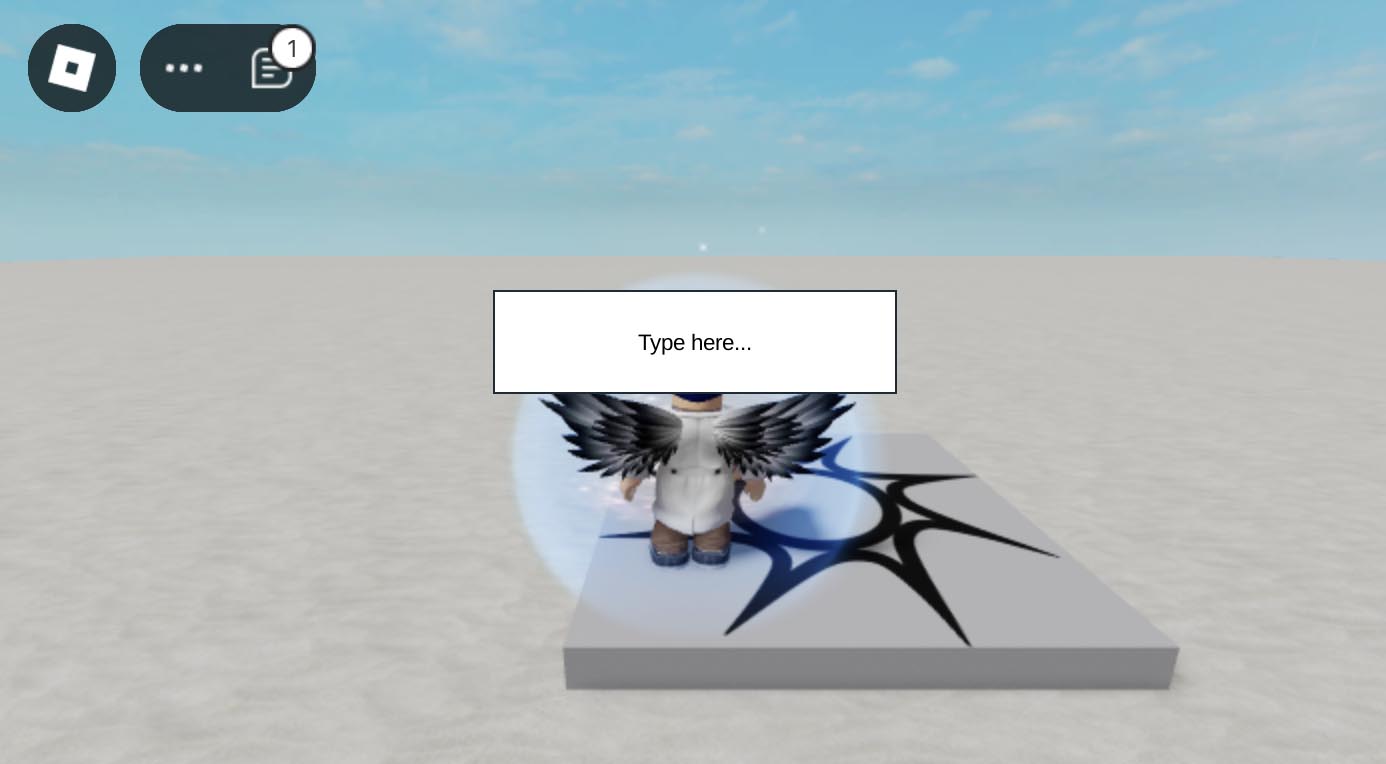
Roblox Studio
Empty
Empty
Empty
local textBox = Instance.new("TextBox")
textBox.Size = UDim2.new(0, 200, 0, 50)
textBox.Position = UDim2.new(0.5, -100, 0.5, -75)
textBox.Text = "Type here..."
textBox.TextColor3 = Color3.fromRGB(0, 0, 0)
textBox.BackgroundColor3 = Color3.fromRGB(255, 255, 255)
textBox.Parent = game.Players.LocalPlayer:WaitForChild("PlayerGui"):WaitForChild("ScreenGui")

textBox.FocusLost:Connect(function(enterPressed)
	if enterPressed then
		print("Player typed: " .. textBox.Text)
	end
end)
ViewportFrame

Roblox Studio
Empty
Empty
Empty
local player = game.Players.LocalPlayer
local character = player.Character or player.CharacterAdded:Wait()

-- Ensure the character is archivable (can be cloned)
character.Archivable = true

-- Ensure the ScreenGui exists
local playerGui = player:WaitForChild("PlayerGui")
local screenGui = playerGui:FindFirstChild("ScreenGui") or Instance.new("ScreenGui", playerGui)

-- Wait until the character is fully loaded before proceeding
if not character or not character.Parent then
	character = player.CharacterAdded:Wait()
end

-- Create the ViewportFrame
local viewportFrame = Instance.new("ViewportFrame")
viewportFrame.Size = UDim2.new(0, 200, 0, 200)
viewportFrame.Position = UDim2.new(1, -210, 0, 10)  -- Align to top-right corner with 10px margin
viewportFrame.BackgroundColor3 = Color3.fromRGB(255, 255, 255)
viewportFrame.Parent = screenGui

-- Create the camera
local camera = Instance.new("Camera")
viewportFrame.CurrentCamera = camera
camera.Parent = viewportFrame

-- Create the model for the player
local viewportModel = Instance.new("Model")
viewportModel.Parent = viewportFrame

-- Clone the player's character into the viewport frame
local clonedCharacter = character:Clone()
if clonedCharacter then
	-- Re-apply the clothing and accessories to the cloned character
	for _, item in pairs(character:GetChildren()) do
		if item:IsA("Clothing") or item:IsA("Accessory") then
			local clonedItem = item:Clone()
			clonedItem.Parent = clonedCharacter
		end
	end

	-- Re-attach accessories to the correct body parts
	for _, accessory in pairs(clonedCharacter:GetChildren()) do
		if accessory:IsA("Accessory") then
			local attachment = accessory:FindFirstChildOfClass("Attachment")
			if attachment then
				local bodyPart = clonedCharacter:FindFirstChild(attachment.Parent.Name)
				if bodyPart then
					local clonedAttachment = bodyPart:FindFirstChild(attachment.Name)
					if clonedAttachment then
						accessory.Handle.CFrame = clonedAttachment.CFrame
					end
				end
			end
		end
	end

	clonedCharacter.Parent = viewportModel
else
	warn("Failed to clone the character.")
end

-- Clone all objects from the workspace into the viewport model
for _, object in pairs(workspace:GetChildren()) do
	pcall(function()
		if object:IsA("BasePart") or object:IsA("Model") then
			local clonedObject = object:Clone()
			clonedObject.Parent = viewportModel
		end
	end)
end

-- Position the camera in front of the player's face
local head = clonedCharacter:FindFirstChild("Head")
if head then
	-- Adjust the camera's position to be in front of the face
	camera.CFrame = CFrame.new(head.Position + head.CFrame.LookVector * 5, head.Position)
else
	warn("Failed to find the player's head for camera positioning.")
end