| Komponenten | Details |
|---|---|
| UIScale | Skaliert UI-Elemente basierend auf der Bildschirmgröße. |
| UIAspectRatioConstraint | Behält das Seitenverhältnis von UI-Elementen bei. |
| UISizeConstraint | Begrenzt die Größe von UI-Elementen auf festgelegte Grenzen. |
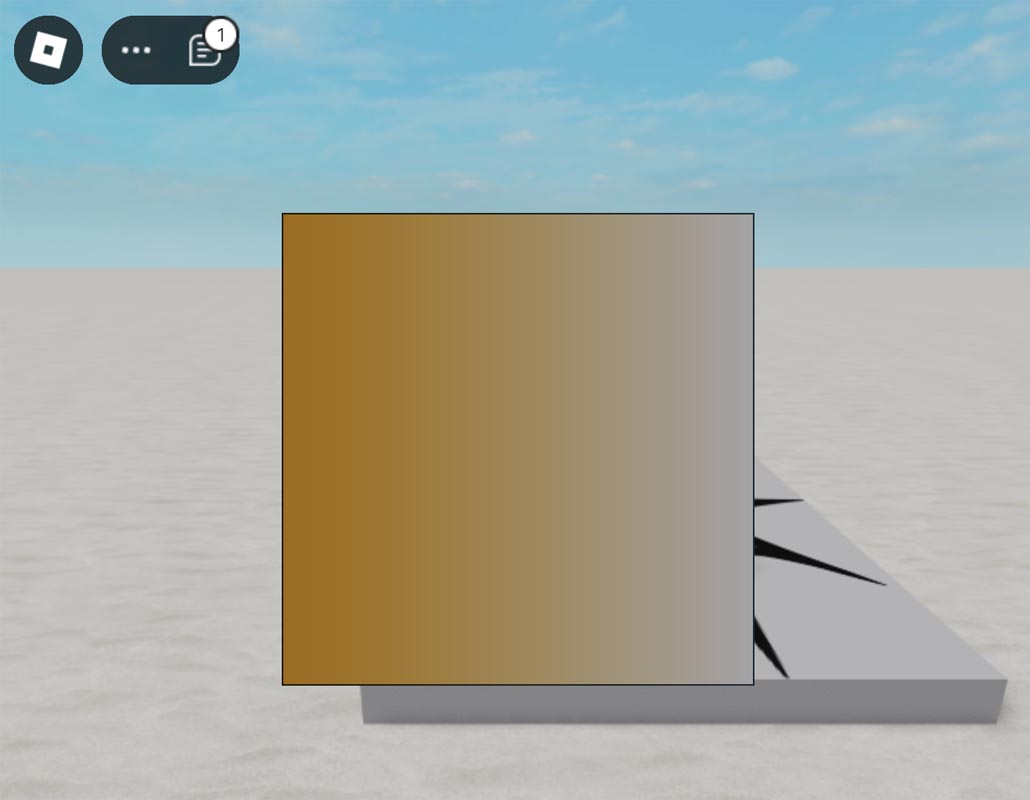
| UIGradient | Wendet einen Farbverlaufseffekt auf UI-Elemente an. |
| UIPadding | Fügt UI-Elementen Polsterung hinzu. |
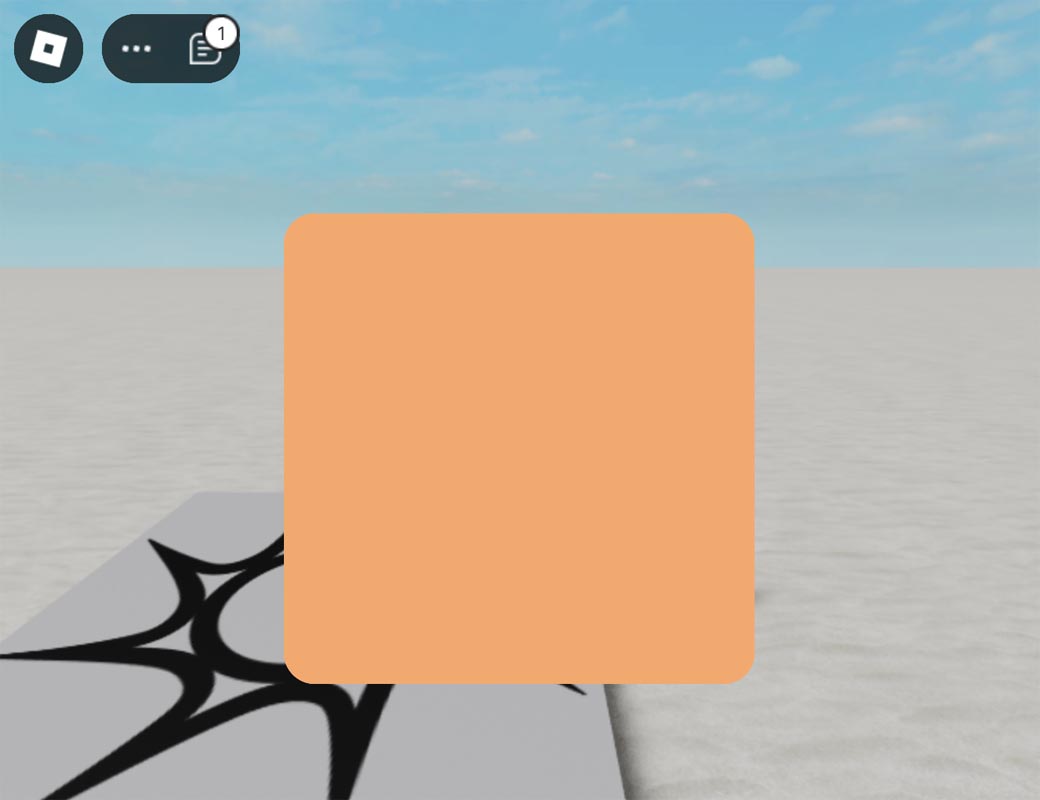
| UICorner | Rundet die Ecken von UI-Elementen ab. |
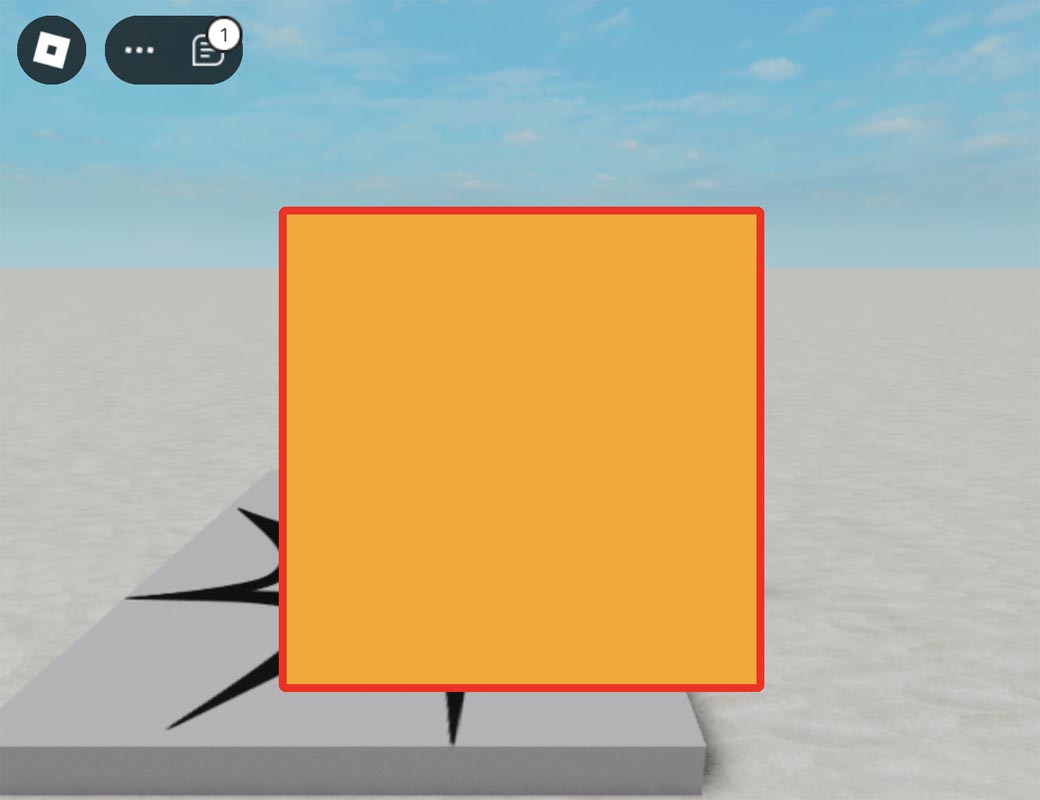
| UIStroke | Fügt UI-Elementen eine Umrandung oder einen Rand hinzu. |
UIScale
Empty
Empty
Empty
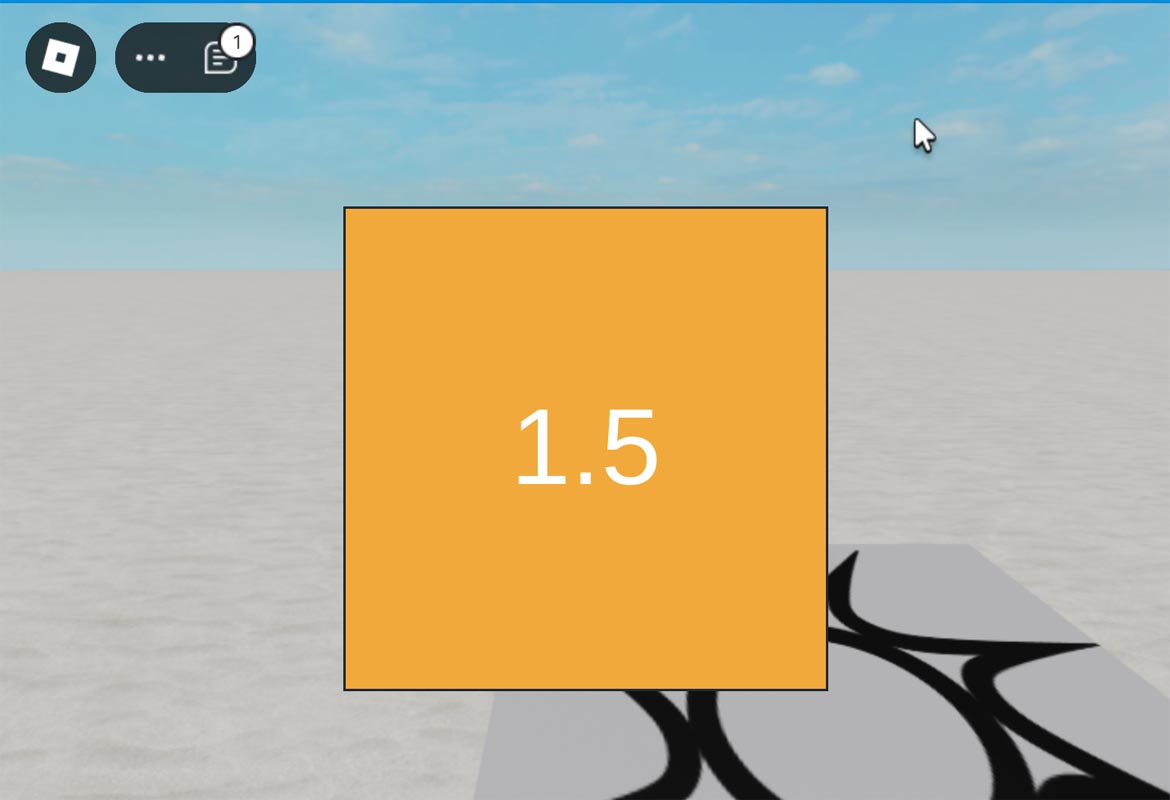
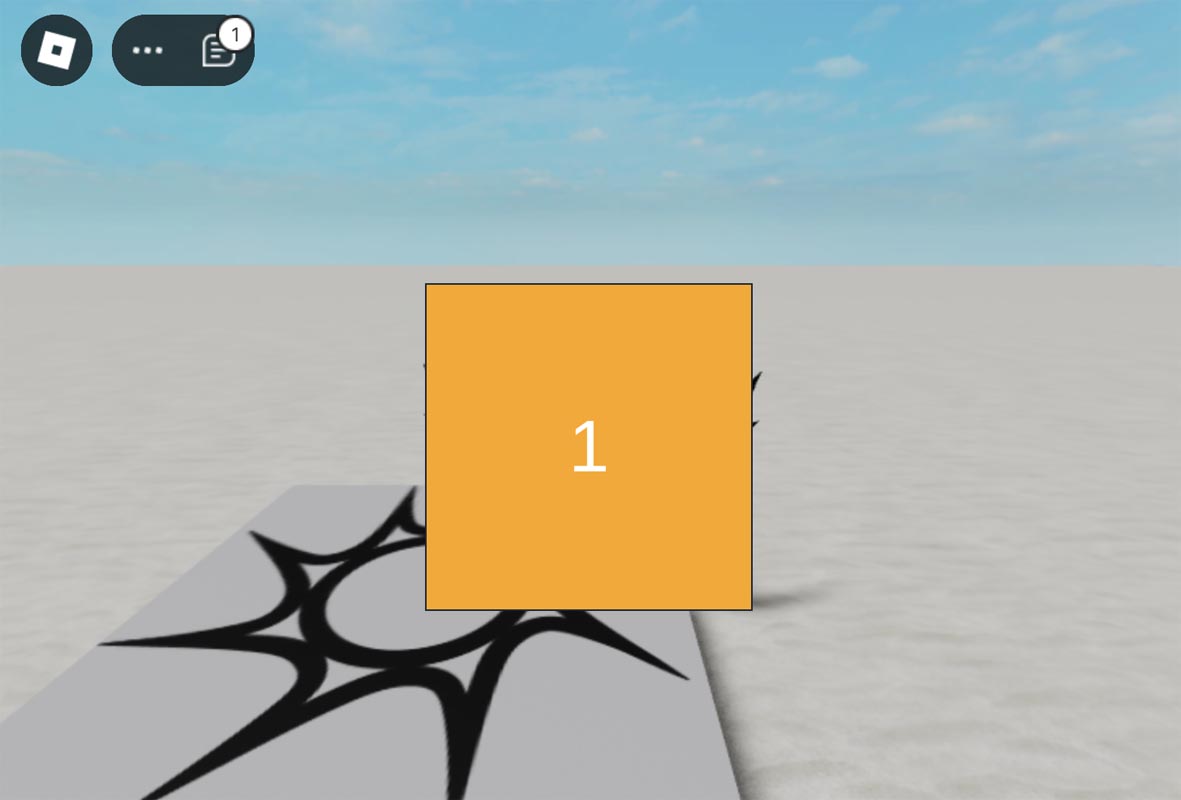
Roblox Studio
local scale = 1.5

local frame = Instance.new("Frame")
frame.Size = UDim2.new(0, 300, 0, 300)
frame.Position = UDim2.new(0.5, -150 * scale, 0.5, -150 * scale)
frame.BackgroundColor3 = Color3.fromRGB(255, 165, 0)
frame.Parent = game.Players.LocalPlayer:WaitForChild("PlayerGui"):WaitForChild("ScreenGui")

local uiScale = Instance.new("UIScale")
uiScale.Scale = scale
uiScale.Parent = frame

local textLabel = Instance.new("TextLabel")
textLabel.Size = UDim2.new(0, 100, 0, 50)
textLabel.Position = UDim2.new(0.5, -50, 0.5, -25)
textLabel.BackgroundTransparency = 1  -- Remove the border by making the background fully transparent
textLabel.TextColor3 = Color3.fromRGB(255, 255, 255)
textLabel.Text = tostring(uiScale.Scale)
textLabel.TextScaled = true
textLabel.Parent = frame
UIAspectRatioConstraint
Empty
Empty
Empty
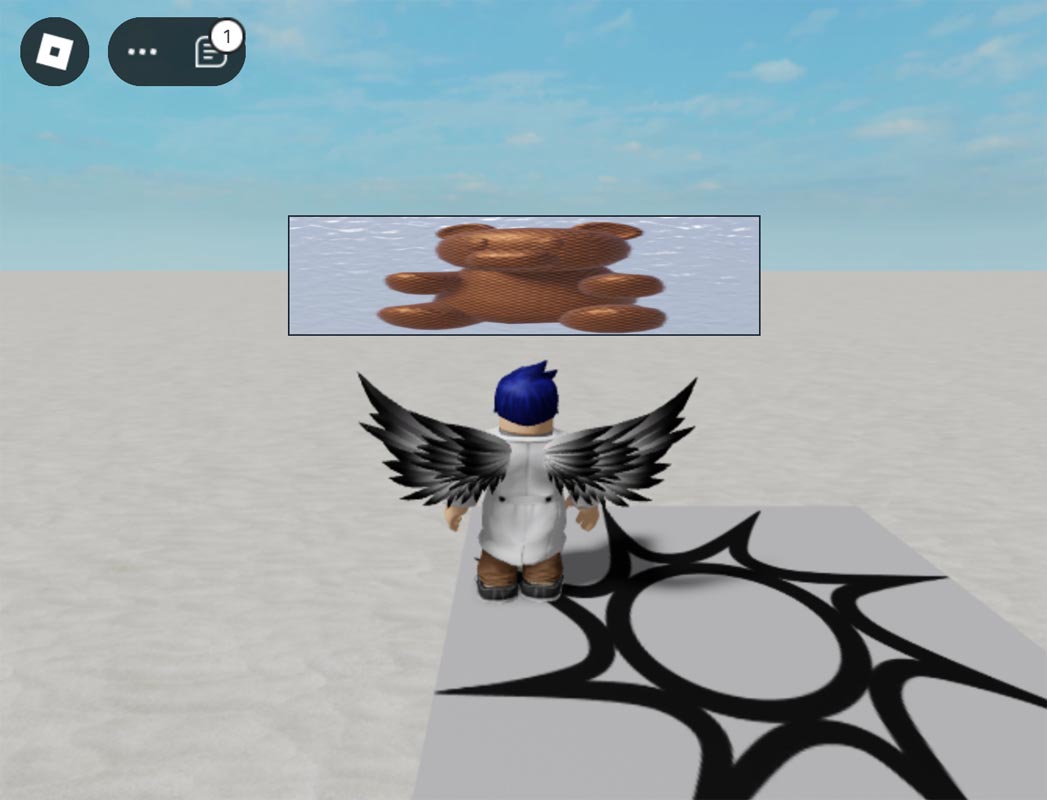
Roblox Studio
local imageLabel = Instance.new("ImageLabel")
imageLabel.Size = UDim2.new(0, 300, 0, 300)
imageLabel.Position = UDim2.new(0.5, -150, 0.5, -150)
imageLabel.Image = "rbxassetid://8998222091"
imageLabel.Parent = game.Players.LocalPlayer:WaitForChild("PlayerGui"):WaitForChild("ScreenGui")

local aspectRatioConstraint = Instance.new("UIAspectRatioConstraint")
aspectRatioConstraint.AspectRatio = 20 / 5
aspectRatioConstraint.Parent = imageLabel
UISizeConstraint
Empty
Empty
Empty
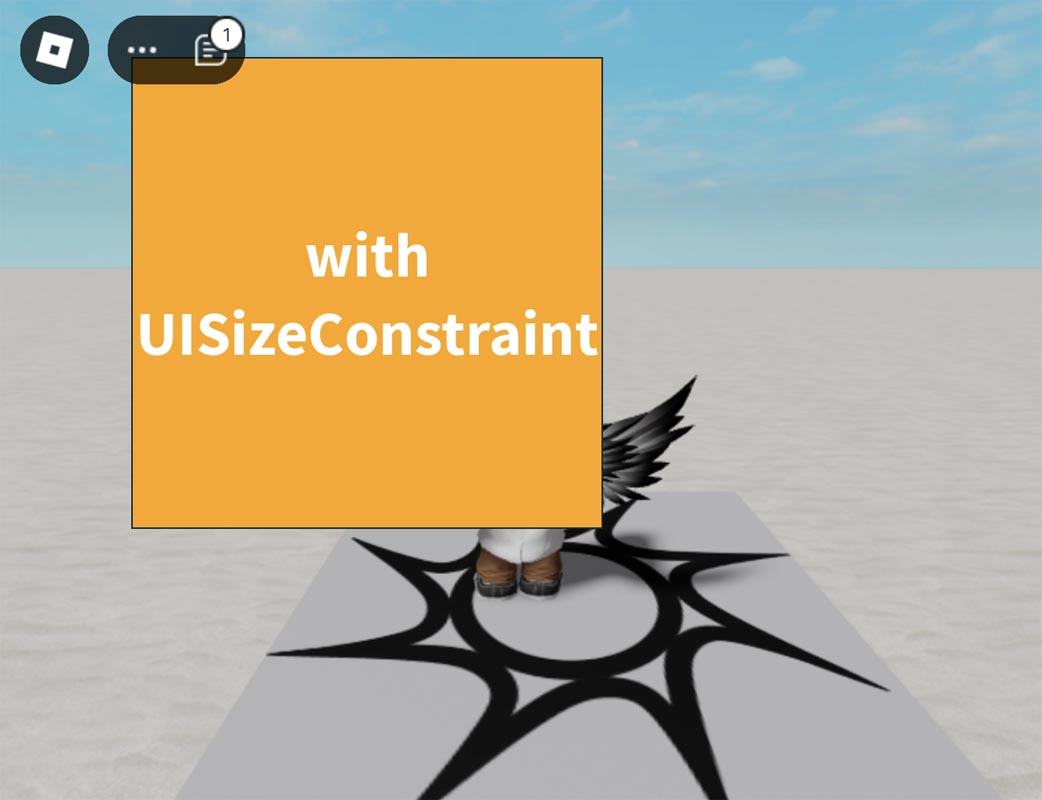
Roblox Studio
local textLabel = Instance.new("TextLabel")
textLabel.Size = UDim2.new(0, 500, 0, 500)
textLabel.Position = UDim2.new(0.5, -250, 0.5, -250)
textLabel.Text = "with UISizeConstraint!"
textLabel.BackgroundColor3 = Color3.fromRGB(255, 165, 0)
textLabel.TextColor3 = Color3.fromRGB(255, 255, 255)
textLabel.TextScaled = true
textLabel.TextWrapped = true
textLabel.Font = Enum.Font.SourceSansBold
textLabel.Parent = game.Players.LocalPlayer:WaitForChild("PlayerGui"):WaitForChild("ScreenGui")

local sizeConstraint = Instance.new("UISizeConstraint")
sizeConstraint.MaxSize = Vector2.new(300, 300) -- Maximum size of 300x300
sizeConstraint.MinSize = Vector2.new(100, 100) -- Minimum size of 100x100
sizeConstraint.Parent = textLabel

-- Align text to center
textLabel.TextXAlignment = Enum.TextXAlignment.Center
textLabel.TextYAlignment = Enum.TextYAlignment.Center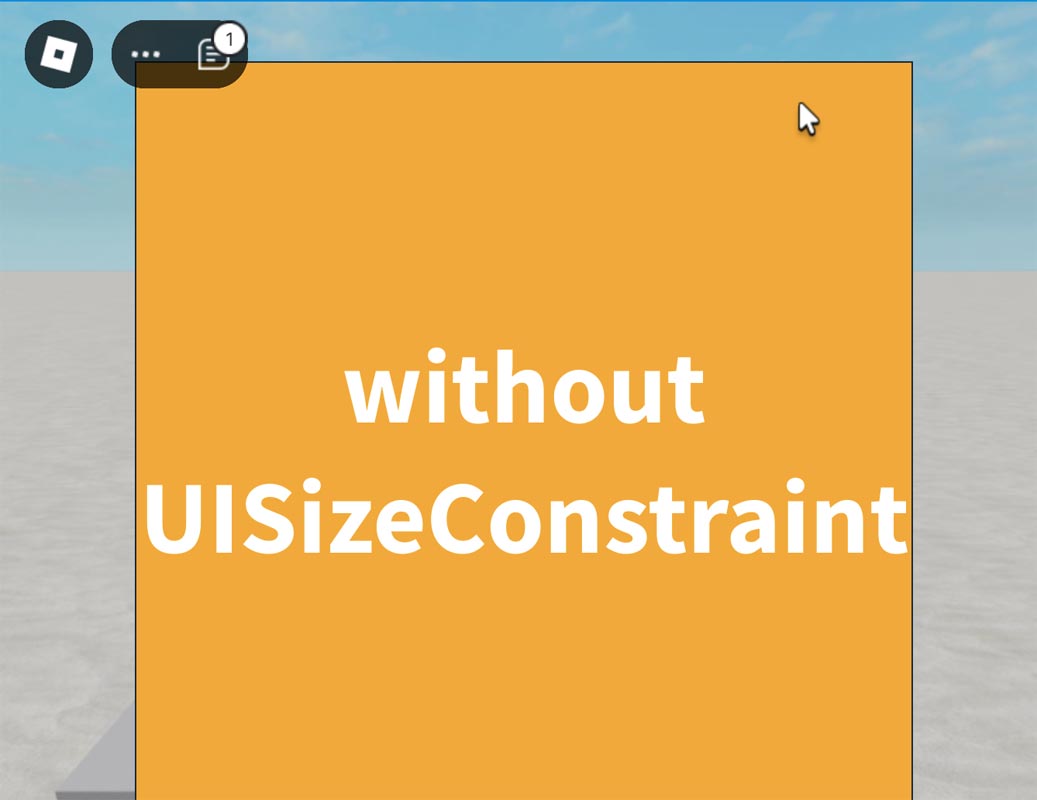
Roblox Studio
local textLabel = Instance.new("TextLabel")
textLabel.Size = UDim2.new(0, 500, 0, 500)
textLabel.Position = UDim2.new(0.5, -250, 0.5, -250)
textLabel.Text = "without UISizeConstraint"
textLabel.BackgroundColor3 = Color3.fromRGB(255, 165, 0)
textLabel.TextColor3 = Color3.fromRGB(255, 255, 255)
textLabel.TextScaled = true
textLabel.TextWrapped = true
textLabel.Font = Enum.Font.SourceSansBold
textLabel.Parent = game.Players.LocalPlayer:WaitForChild("PlayerGui"):WaitForChild("ScreenGui")

-- Align text to center
textLabel.TextXAlignment = Enum.TextXAlignment.Center
textLabel.TextYAlignment = Enum.TextYAlignment.Center
UIGradient
Empty
Empty
Empty
Roblox Studio
local frame = Instance.new("Frame")
frame.Size = UDim2.new(0, 300, 0, 300)
frame.Position = UDim2.new(0.5, -150, 0.5, -150)
frame.Parent = game.Players.LocalPlayer:WaitForChild("PlayerGui"):WaitForChild("ScreenGui")

local uiGradient = Instance.new("UIGradient")
uiGradient.Color = ColorSequence.new{
    ColorSequenceKeypoint.new(0, Color3.fromRGB(255, 165, 0)), -- Orange
    ColorSequenceKeypoint.new(1, Color3.fromRGB(255, 255, 255))  -- White
}
uiGradient.Parent = frame
UIPadding
Empty
Empty
Empty
Roblox Studio
local textLabel = Instance.new("TextLabel")
textLabel.Size = UDim2.new(0.8, 0, 0.8, 0)  -- Increased size of the TextLabel
textLabel.Position = UDim2.new(0.1, 0, 0.1, 0)  -- Center the TextLabel within the Frame
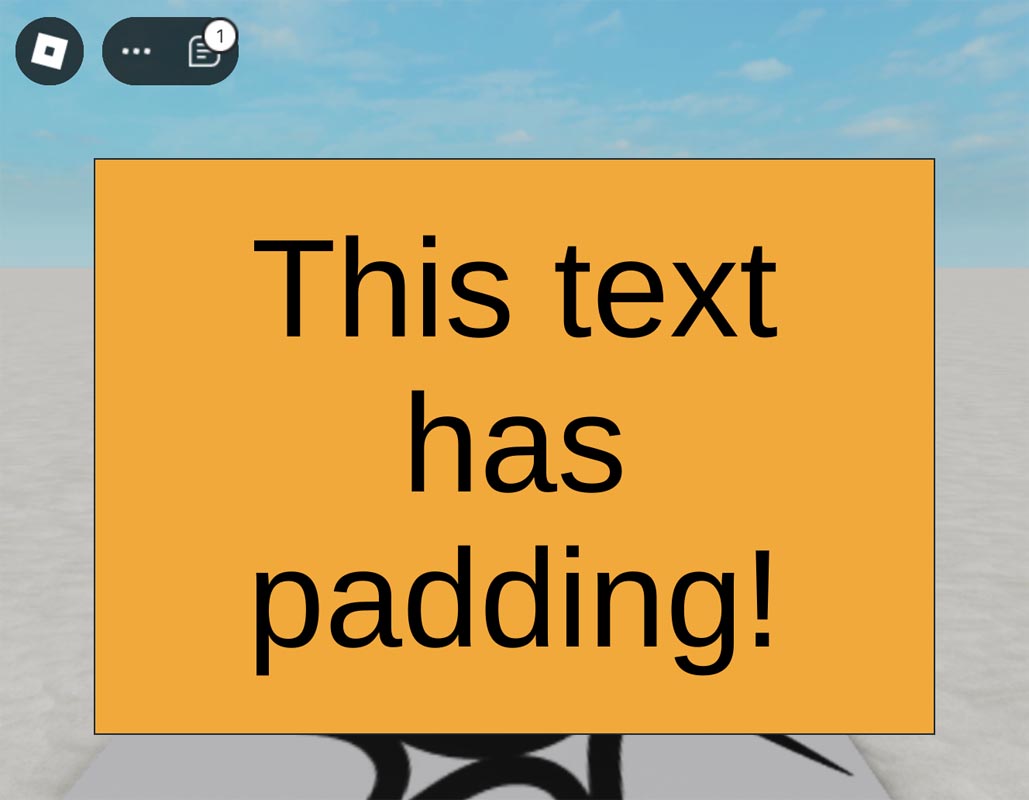
textLabel.Text = "This text has padding!"
textLabel.BackgroundColor3 = Color3.fromRGB(255, 165, 0) -- Orange background
textLabel.TextColor3 = Color3.fromRGB(0, 0, 0) -- Black text
textLabel.TextScaled = true -- Scale text to fit within the label
textLabel.Parent = game.Players.LocalPlayer:WaitForChild("PlayerGui"):WaitForChild("ScreenGui")

local uiPadding = Instance.new("UIPadding")
uiPadding.PaddingTop = UDim.new(0, 30)
uiPadding.PaddingBottom = UDim.new(0, 30)
uiPadding.PaddingLeft = UDim.new(0, 30)
uiPadding.PaddingRight = UDim.new(0, 30)
uiPadding.Parent = textLabel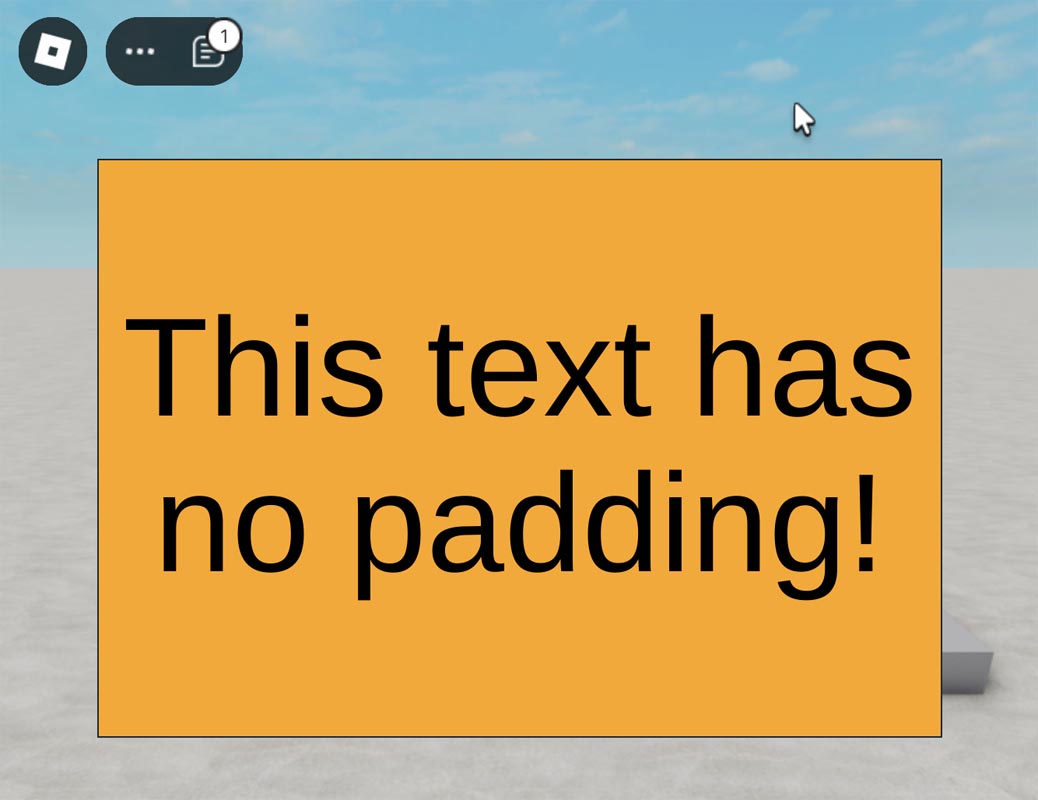
Roblox Studio
local textLabel = Instance.new("TextLabel")
textLabel.Size = UDim2.new(0.8, 0, 0.8, 0)  -- Increased size of the TextLabel
textLabel.Position = UDim2.new(0.1, 0, 0.1, 0)  -- Center the TextLabel within the Frame
textLabel.Text = "This text has no padding!"
textLabel.BackgroundColor3 = Color3.fromRGB(255, 165, 0) -- Orange background
textLabel.TextColor3 = Color3.fromRGB(0, 0, 0) -- Black text
textLabel.TextScaled = true -- Scale text to fit within the label
textLabel.Parent = game.Players.LocalPlayer:WaitForChild("PlayerGui"):WaitForChild("ScreenGui")
UICorner
Empty
Empty
Empty
Roblox Studio
local frame = Instance.new("Frame")
frame.Size = UDim2.new(0, 300, 0, 300)
frame.Position = UDim2.new(0.5, -150, 0.5, -150)
frame.BackgroundColor3 = Color3.fromRGB(255, 165, 100)
frame.Parent = game.Players.LocalPlayer:WaitForChild("PlayerGui"):WaitForChild("ScreenGui")

local uiCorner = Instance.new("UICorner")
uiCorner.CornerRadius = UDim.new(0, 20) -- Rounds the corners by 20 pixels
uiCorner.Parent = frame
UIStroke
Empty
Empty
Empty
Roblox Studio
local frame = Instance.new("Frame")
frame.Size = UDim2.new(0, 300, 0, 300)
frame.Position = UDim2.new(0.5, -150, 0.5, -150)
frame.BackgroundColor3 = Color3.fromRGB(255, 165, 0)
frame.Parent = game.Players.LocalPlayer:WaitForChild("PlayerGui"):WaitForChild("ScreenGui")

local uiStroke = Instance.new("UIStroke")
uiStroke.Thickness = 5 -- Thickness of the outline
uiStroke.Color = Color3.fromRGB(255, 0, 0) -- Red outline
uiStroke.Parent = frame