Feuer
Empty
Empty
Empty
local part = script.Parent -- Attach this script to the part
local fire = Instance.new("Fire", part)
fire.Heat = 15  -- The speed at which the fire rises
fire.Size = 10  -- The overall size of the fire effect
fire.Color = Color3.fromRGB(255, 100, 0)  -- Orange fire
fire.SecondaryColor = Color3.fromRGB(255, 255, 100)  -- Yellowish secondary color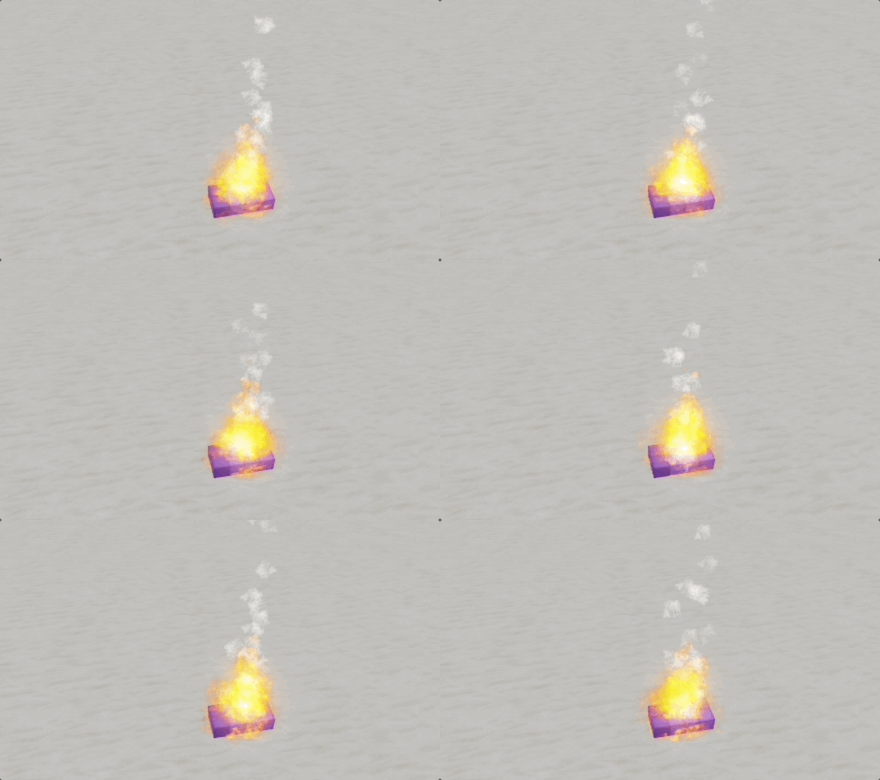
Roblox Studio
Rauch
Empty
Empty
Empty
local part = script.Parent -- Attach this script to the part
local smoke = Instance.new("Smoke", part)
smoke.Color = Color3.fromRGB(200, 200, 200)  -- Grey smoke
smoke.Opacity = 0.6  -- Semi-transparent
smoke.RiseVelocity = 10  -- Speed of rise
smoke.Size = 15  -- Size of the smoke particles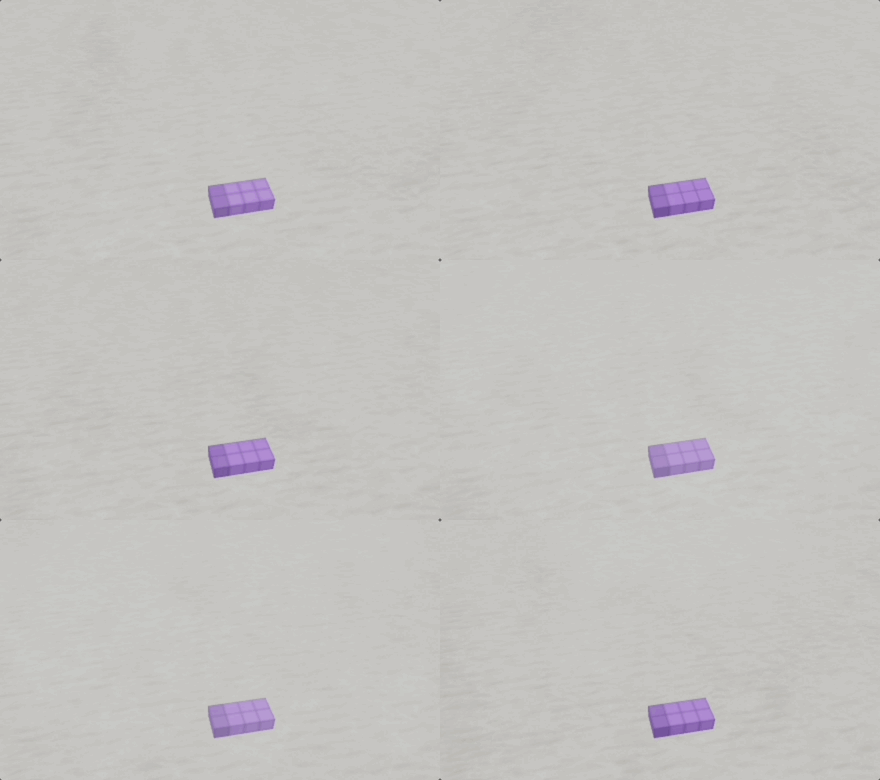
Roblox Studio
Sprinkler
Empty
Empty
Empty
local part = script.Parent -- Attach this script to the part
local sparkles = Instance.new("Sparkles", part)
sparkles.SparkleColor = Color3.fromRGB(255, 215, 0)  -- Gold sparkles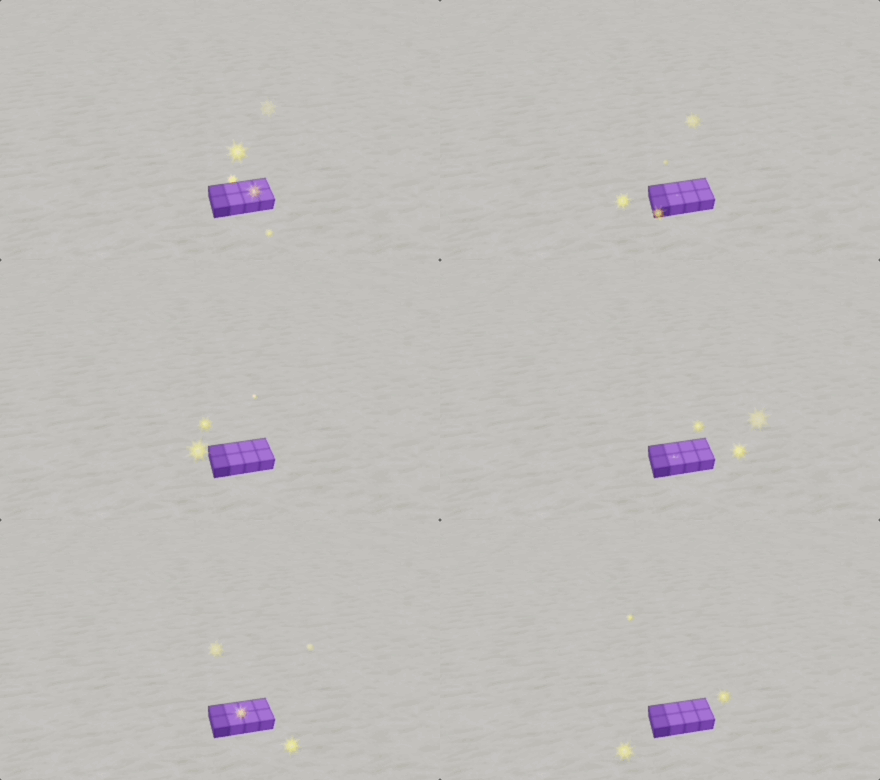
Roblox Studio
Spur
Empty
Empty
Empty
local part = script.Parent  -- Attach this script to the part
local trail = Instance.new("Trail", part)

local attachment0 = Instance.new("Attachment", part)
local attachment1 = Instance.new("Attachment", part)

attachment0.Position = Vector3.new(0, 0.5, 0)
attachment1.Position = Vector3.new(0, -0.5, 0)

trail.Attachment0 = attachment0
trail.Attachment1 = attachment1

-- Red to yellow gradient
trail.Color = ColorSequence.new(Color3.fromRGB(255, 0, 0), Color3.fromRGB(255, 255, 0))

trail.Lifetime = 5  -- The trail fades over 5 seconds
trail.MinLength = 3  -- Minimum length of trail segment
trail.WidthScale = NumberSequence.new(0.5, 3)  -- Width starts at 0.5, ends at 3

-- Circular movement (x and z only, y is fixed)
local baseRadius = 10  -- Base radius of the circle
local speed = 4  -- Speed of movement
local angle = 0  -- Starting angle
local initialY = part.Position.Y  -- Fixed Y position

-- Variables for varying radius
local radiusVariationSpeed = 0.5  -- Speed at which the radius varies
local maxRadiusChange = 5  -- Maximum change in radius
local currentRadiusChange = 0  -- Current change in radius
local radiusDirection = 1  -- Direction of radius change (1 for increasing, -1 for decreasing)

while true do
	-- Calculate new radius
	currentRadiusChange = currentRadiusChange + radiusDirection * radiusVariationSpeed
	if math.abs(currentRadiusChange) >= maxRadiusChange then
		radiusDirection = radiusDirection * -1  -- Reverse the direction of change
	end

	local radius = baseRadius + currentRadiusChange  -- Calculate the current radius

	-- Calculate new position for circular movement
	local x = math.cos(angle) * radius
	local z = math.sin(angle) * radius
	part.Position = Vector3.new(x, initialY, z)

	-- Increment angle
	angle = angle + speed * math.rad(1)
	if angle >= math.rad(360) then
		angle = angle - math.rad(360)
	end

	wait(0.01)
end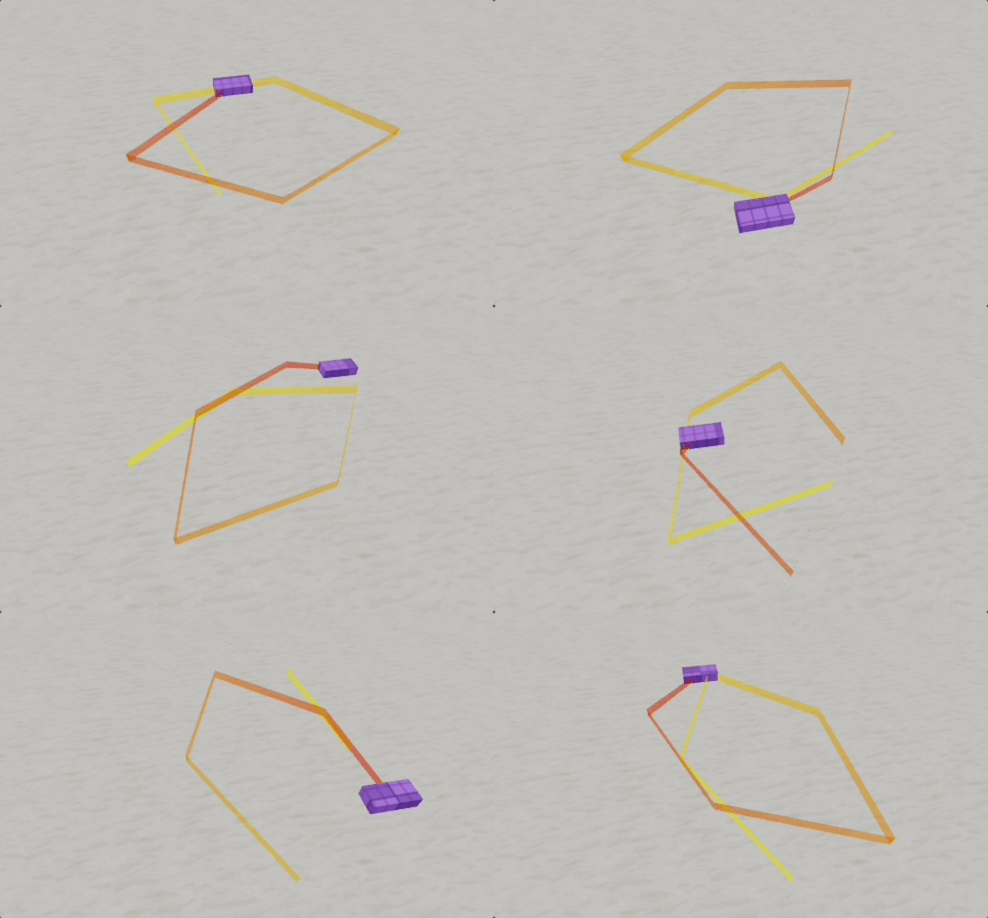
Roblox Studio
Strahl
Empty
Empty
Empty
local part = script.Parent

local att0 = Instance.new("Attachment", part)
local att1 = Instance.new("Attachment", part)
att0.Position = Vector3.new(0, 5, 0)
att1.Position = Vector3.new(0, 5, 10)

local beam = Instance.new("Beam", part)
beam.Attachment0 = att0
beam.Attachment1 = att1
beam.Color = ColorSequence.new(Color3.fromRGB(255, 255, 255), Color3.fromRGB(0, 255, 255))
beam.LightEmission = 1
beam.LightInfluence = 0
beam.Texture = "rbxasset://textures/particles/sparkles_main.dds"
beam.TextureMode = Enum.TextureMode.Wrap
beam.TextureLength = 1
beam.TextureSpeed = 1
beam.Transparency = NumberSequence.new(0, 0, 1)
beam.CurveSize0 = 2
beam.CurveSize1 = -2
beam.FaceCamera = true
beam.Width0 = 0.2
beam.Width1 = 2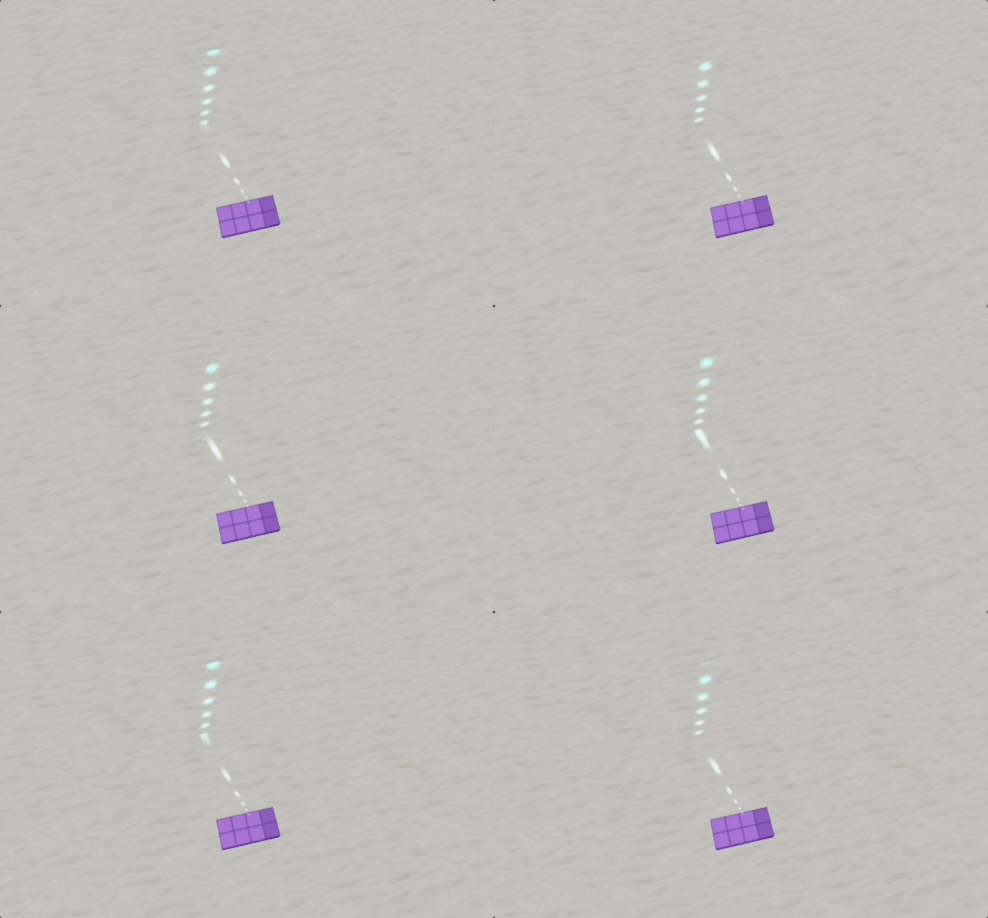
Roblox Studio
