Empty
Empty
Empty
TweenService는 Roblox에서 GUI 요소, 부품 및 기타 객체에 부드러운 애니메이션을 생성할 수 있게 해주는 서비스입니다. 이 서비스는 객체의 속성을 특정 기간 동안 한 상태에서 다른 상태로 보간하는 데 사용됩니다.
| Tween | 트윈은 객체의 속성을 시작 상태에서 종료 상태로 보간하는 애니메이션입니다. |
| TweenInfo | 이것은 트윈의 매개변수를 정의합니다. 예를 들어, 지속 시간, 이징 스타일, 이징 방향 및 반복 횟수 등을 포함합니다. |
| 이징 스타일 및 방향 | 이징 스타일은 트윈의 시작 값과 끝 값 사이를 보간하는 데 사용되는 수학적 함수를 정의합니다. 이징 방향은 트윈이 시작 값과 끝 값에 대해 어떻게 진행되는지를 정의합니다. |
트윈 가능한 객체
Empty
Empty
Empty
| Position | 부품/모델을 새로운 위치로 이동합니다. |
| Size | 부품/모델의 크기를 변경합니다. |
| Orientation | 부품/모델을 회전시킵니다. |
| Transparency | 부품/모델의 투명도를 조절합니다. |
| Color | 부품/모델의 색상을 변경합니다. |
Empty
Empty
Empty
| Position | 부품/모델을 새로운 위치로 이동합니다. |
| Size | 부품/모델의 크기를 변경합니다. |
| BackgroundColor3 | GUI 요소의 배경색을 변경합니다. |
| Transparency | 부품/모델의 투명도를 조절합니다. |
Empty
Empty
Empty
| Brightness | 광원의 밝기를 조절합니다. |
| Color | 부품/모델의 색상을 변경합니다. |
| Range | 광원의 범위를 변경합니다. |
Empty
Empty
Empty
| CFrame | 카메라를 이동하거나 회전시킵니다. |
Empty
Empty
Empty
| Volume | 사운드의 볼륨을 조절합니다. |
| PlaybackSpeed | 사운드의 재생 속도를 변경합니다. |
TweenService 예제
트윈 위치
local TweenService = game:GetService("TweenService")

-- Define TweenInfo
local tweenInfo = TweenInfo.new(
	2, -- Time (seconds)
	Enum.EasingStyle.Quad, -- Easing Style
	Enum.EasingDirection.Out, -- Easing Direction
	0, -- Repeat count (0 means no repeat)
	false, -- Reverses (tween goes back and forth)
	0 -- Delay time (seconds)
)

local part = script.Parent
part.Position = Vector3.new(0, 2.5, 0)
part.Anchored = true
part.Parent = workspace

-- Define the end state of the properties you want to tween
local goal = {}
goal.Position = Vector3.new(10, 5, 0)

-- Create the tween
local tween = TweenService:Create(part, tweenInfo, goal)

-- Play the tween
tween:Play()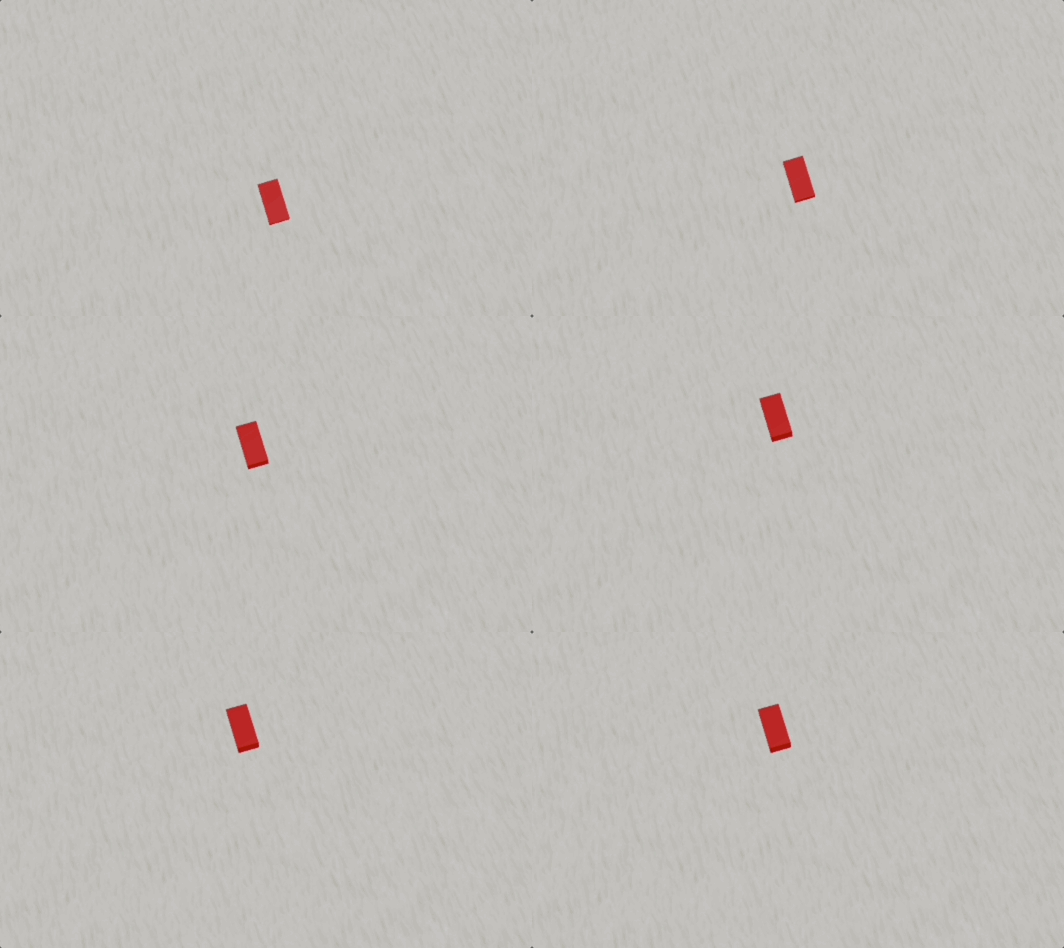
Roblox Studio
트윈 GUI 요소
local TweenService = game:GetService("TweenService")

-- Define TweenInfo
local tweenInfo = TweenInfo.new(
	2, -- Time (seconds)
	Enum.EasingStyle.Quad, -- Easing Style
	Enum.EasingDirection.Out, -- Easing Direction
	0, -- Repeat count (0 means no repeat)
	false, -- Reverses (tween goes back and forth)
	0 -- Delay time (seconds)
)

local part = script.Parent
part.Position = Vector3.new(0, 2.5, 0)
part.Anchored = true
part.Parent = workspace

-- Define the end state of the properties you want to tween
local goal = {}
goal.Position = Vector3.new(10, 5, 0)

-- Create the tween
local tween = TweenService:Create(part, tweenInfo, goal)

-- Play the tween
tween:Play()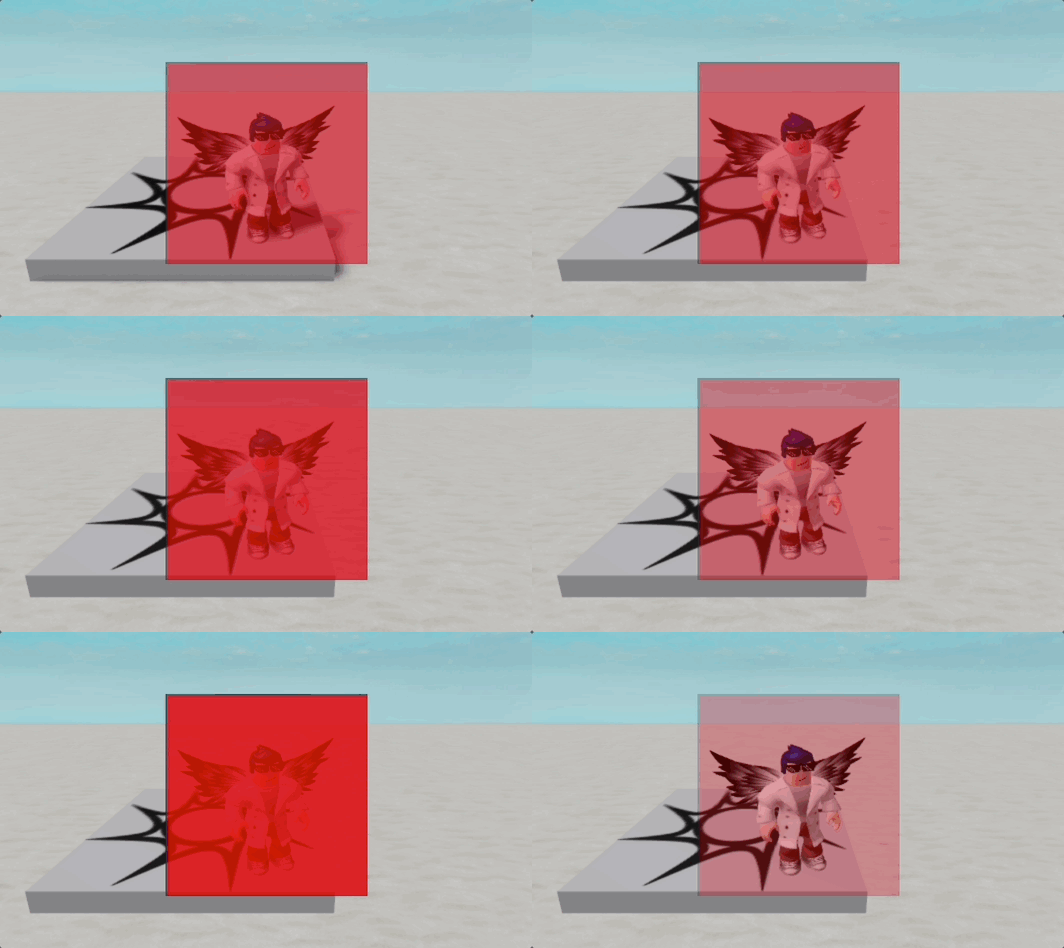
Roblox Studio
트윈 조명 속성
local TweenService = game:GetService("TweenService")

-- Define TweenInfo
local tweenInfo = TweenInfo.new(
	2, -- Time (seconds)
	Enum.EasingStyle.Quad, -- Easing Style
	Enum.EasingDirection.Out, -- Easing Direction
	0, -- Repeat count (0 means no repeat)
	false, -- Reverses (tween goes back and forth)
	0 -- Delay time (seconds)
)

local part = script.Parent
part.Position = Vector3.new(0, 2.5, 0)
part.Anchored = true
part.Parent = workspace

-- Define the end state of the properties you want to tween
local goal = {}
goal.Position = Vector3.new(10, 5, 0)

-- Create the tween
local tween = TweenService:Create(part, tweenInfo, goal)

-- Play the tween
tween:Play()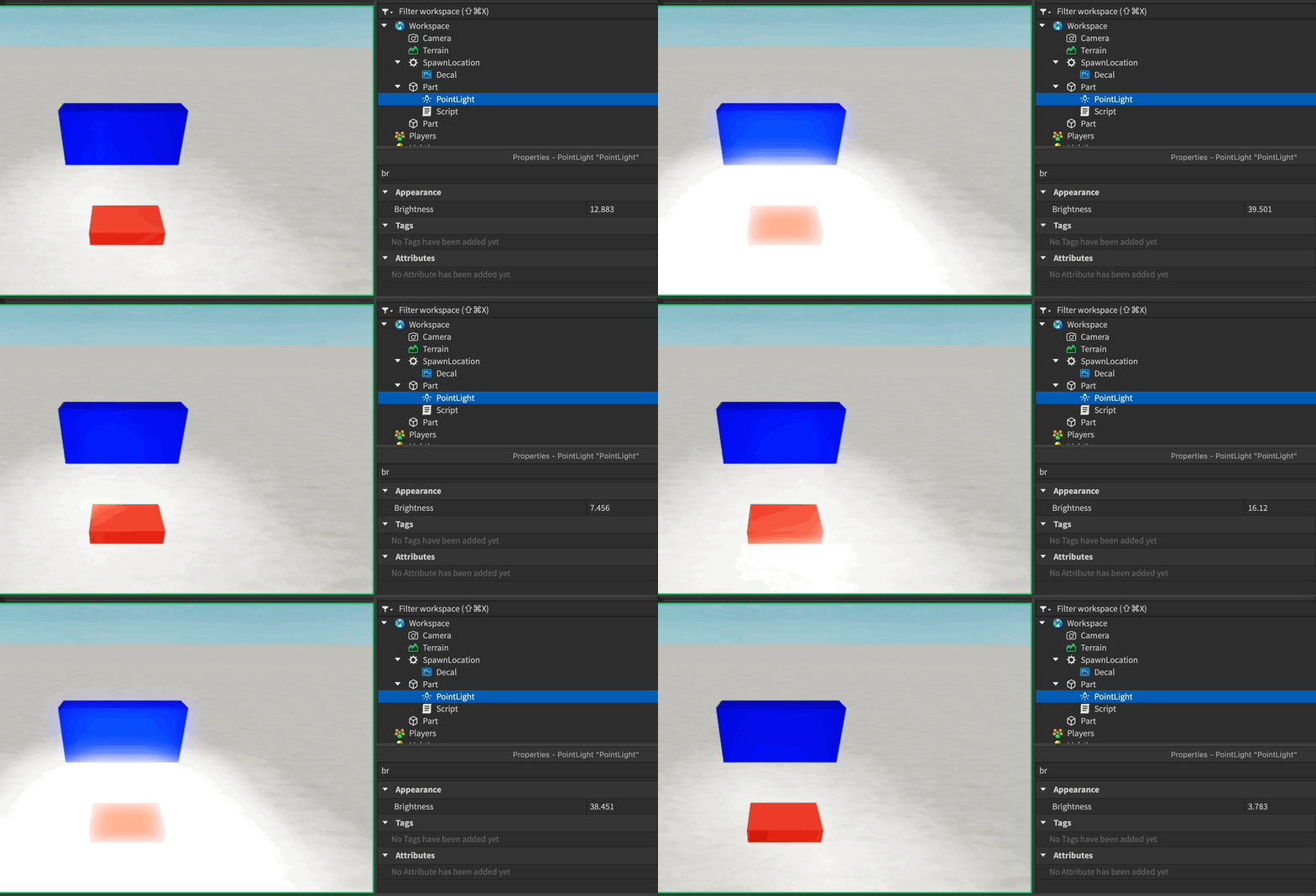
Roblox Studio
이징 스타일
Empty
Empty
Empty
| Linear | 시작에서 끝까지 일정한 속도로 이동합니다. |
| Sine | 부드럽고 주기적인 움직임을 위해 사인파를 사용합니다. |
| Back | 끝 값을 초과하여 진행한 후 다시 돌아옵니다. |
| Quad | 빠르게 가속하고 이후 점차적으로 감속합니다. |
| Cubic | Quad와 유사하지만 더 강한 가속 및 감속 효과를 가집니다. |
| Quart | Cubic보다 더 강한 가속 및 감속 효과를 가집니다. |
| Quint | 가장 강한 가속 및 감속 효과를 가집니다. |
| Bounce | 끝에서 튀는 효과를 모방합니다. |
| Elastic | 스프링처럼 끝 값을 초과하여 움직입니다. |
| Exponential | 처음에는 천천히 시작하여 기하급수적으로 가속됩니다. |
Empty
Empty
Empty
| In | 트윈이 천천히 시작하여 끝으로 갈수록 가속됩니다. |
| Out | 트윈이 빠르게 시작하여 끝으로 갈수록 감속됩니다. |
| InOut | 천천히 시작하여 중간에 가속되고, 끝에서 다시 감속되는 'In'과 'Out'을 결합한 스타일입니다. |
